 Skip to content
AI Software · Launch Review
This TubeHarvest review covers the new faceless YouTube app from Max Gerstenmeyer and Wayne Crowe that launches on JVZoo on Tuesday, November 17, 2026 at 11 AM Eastern. You type one topic, and it creates a full faceless video, 3 Shorts, a thumbnail and the SEO text. Then it goes one step further than most AI video tools: it builds a matching opt-in page and a free PDF guide, so viewers can join your email list.
Below: what it does, the full price including every upsell, what you really need to spend, the YouTube rules that matter, and who should skip it. If you’re new to faceless channels, start with our guide on how to make money on YouTube without making videos.
What’s in this review
TubeHarvest review: what it is
TubeHarvest is a browser-based AI app for faceless YouTube. From a single topic, it writes the script, adds an AI voiceover, edits the video with matching visuals and captions, cuts Shorts from the best moments, designs a thumbnail and writes the title, description, tags and social captions.
What makes it different is what the vendors call the “Harvest Loop.” Most faceless video tools stop once they hand you an MP4. TubeHarvest also builds a hosted opt-in page on the same topic and a short PDF guide to give away. You put the page link in your video description, viewers swap their email for the guide, and you can contact them again long after the video stops getting views.
The sales page’s own example shows the idea: the topic “how to stop your dog pulling on the leash” becomes a video, 3 Shorts, and an opt-in page offering a “Loose-Leash Walking Checklist.” You then email those subscribers and recommend a training course or a no-pull harness through affiliate links.
How it works
- Type a topic, ideally one close to a product you promote.
- TubeHarvest builds the video: script, AI voice, visuals, captions, up to 5 minutes on the front end.
- It cuts 3 Shorts and creates a thumbnail plus SEO titles, descriptions and tags.
- It builds a matching opt-in page with email capture and a PDF lead magnet on the same topic.
- You upload and follow up: post the video to your own channel, paste the page link in the description, then email your new subscribers.
Main features
- Cloud-based app, works on Mac or PC in any modern browser
- AI script writer and natural-sounding AI voiceover
- Full faceless videos up to 5 minutes with visuals and captions
- 3 vertical Shorts cut from every video
- AI thumbnail for each package
- SEO titles, descriptions, tags and social captions
- Hosted opt-in page with email capture, matched to the video
- Lead magnet PDF on the same topic
- 10 complete packages a month on the front end
- Commercial license to make packages for clients
- No API keys needed on the front end, according to the sales page FAQ
TubeHarvest pricing, upsells and bundle
Prices come from the vendor’s official JV page and sales page. One “credit” equals one complete package.
| Option | Price | What it adds |
|---|---|---|
| Front end: TubeHarvest Commercial | $47 one-time (launch price) | 10 packages a month, 5-minute videos, 3 Shorts, 1 thumbnail, 1 landing page template, commercial license |
| Order bump: Niche Harvest Vault | $9 | 100 faceless niches with 30 topic ideas each, plus affiliate offer and lead magnet angles |
| Order bump: Thumbnail & Hook Booster | $14 | 3 thumbnail versions per package for split testing, AI opening hooks and alternate titles |
| Fastpass | $277 one-time | Unlocks every upgrade below in one purchase |
| Upgrade 1: Premiere | $47/month (downsell: Plus, $27/month) | 30 packages a month, 10-minute videos, 5 Shorts, priority rendering, 1080p export |
| Upgrade 2: Harvest Growth | $47 (downsell $27) | 5 landing page templates, affiliate bridge pages, an auto-written 5-email follow-up sequence, more lead magnet formats |
| Upgrade 3: DFY Channel Pack | $37 (downsell $17) | Done-for-you profile picture, banner, channel description, plus 30 topics and playlists |
| Upgrade 4: Whitelabel | $197 (50 clients) or $297 (300 clients); downsell $97 | Rebrand and sell the software as your own; you add your own API key |
| TubeHarvest Bundle | $297 ($247 with coupon Harvest50) | Front end plus Premiere, Growth, DFY Channel Pack and Whitelabel Starter 50 in one payment |
There’s also a monthly “Personal” plan on the sales page at $27/month with 7 packages, 4-minute videos, 2 Shorts and no client rights. The one-time Commercial plan is the better deal by far.
What it really costs
- Just the app: $47 once. That’s enough to test the whole Harvest Loop inside the 14-day guarantee.
- Every upgrade bought separately: roughly $451 in one-time payments plus $47 every month for Premiere.
- Front end plus Fastpass: $324 in total.
- Bundle with Harvest50: $247 for the same core upgrades, which is cheaper than front end plus Fastpass. If you already know you want everything, the bundle is the smarter buy.
- Outside costs: you’ll want an email tool to send follow-ups. A free plan such as Systeme.io covers this (see our Systeme.io review).
Our advice: buy the front end only, make 3 or 4 packages in your niche, and check the video quality and how the opt-in page handles emails before spending more. You have 14 days.
Limits and risks to know
- It’s brand new. There’s no track record yet. A one-time price for a cloud app that renders AI video every month is generous, so watch whether updates and support continue. When we checked a week before launch, parts of the sales page (the bonus section and the support link) were still placeholders.
- The post-launch price isn’t clear. The sales page says Commercial goes to $97 after November 23, and in one place says $97/month. Either way, the $47 one-time price is launch-only.
- 5-minute videos are short for ad income. YouTube only allows mid-roll ads on videos of 8 minutes or longer, and short videos build watch hours slowly. You need Premiere ($47/month) for 10-minute videos. See how much YouTube pays for real RPM numbers.
- Mass-produced AI channels can lose monetization. YouTube’s Partner Program policies don’t pay for “inauthentic,” mass-produced or repetitive content. Ten AI videos a month on near-identical topics is exactly the pattern YouTube looks for. Edit scripts, add your own insight, and vary formats.
- Disclose realistic AI content. YouTube asks creators to label realistic altered or synthetic content when uploading.
- Front-end resolution isn’t stated. 1080p export is listed as a Premiere feature, so check the front-end output quality during your refund window.
- Email delivery details aren’t public yet. The sales page doesn’t say which email services the opt-in page connects to. Ask support before you build a list on it.
Can you make money with TubeHarvest?
Possibly, but not from the software alone. There are three realistic paths:
- Affiliate marketing: the strongest fit. A list of people interested in one topic is worth far more than views, because you can recommend offers again and again. Pick topics close to products you promote.
- Client work: the commercial license lets you sell video packages to local businesses, coaches and authors at your own price. You still need to find clients.
- Your own channel: ad income takes time. YouTube requires 1,000 subscribers plus watch hours or Shorts views before you earn anything, and those thresholds rise for new applicants in 2027.
The vendors’ own sales page says there are no earnings guarantees, and the JV page bans affiliates from making income claims. That’s a good sign. If you want a simpler first step into faceless content, our free Faceless AI Starter Kit (our own product) walks through niches and workflows. For more ideas, see how to use AI to make money, and if you want to check niche RPM data before you start, NexLev tracks thousands of faceless channels.
Who’s behind it
Max Gerstenmeyer is the product creator and developer, and Wayne Crowe is the launch partner. Max delivers his affiliate bonuses from his own ClickFunnels account, including earlier products such as Stream Shark, Freebie Cheetah and Magnetify. Wayne Crowe is a long-time JVZoo launch partner. The launch runs on JVZoo, which handles payment and refunds.
Pros and cons
✓ Pros
- Builds an email list, not just views: a real difference from other AI video tools
- Full package from one topic: video, Shorts, thumbnail, SEO, opt-in page, PDF
- One-time $47 with 10 packages a month and a commercial license
- No API keys needed on the front end
- Vendors avoid income claims
- 14-day money-back guarantee
✗ Cons
- Brand new, with no track record
- 5-minute videos limit ad revenue; longer videos cost $47/month
- Mass-produced AI content risks YouTube demonetization
- Full funnel costs well over $400
- Only 14 days to test, versus 30 on many launches
- Sales page still had placeholders before launch
Verdict: is TubeHarvest worth it?
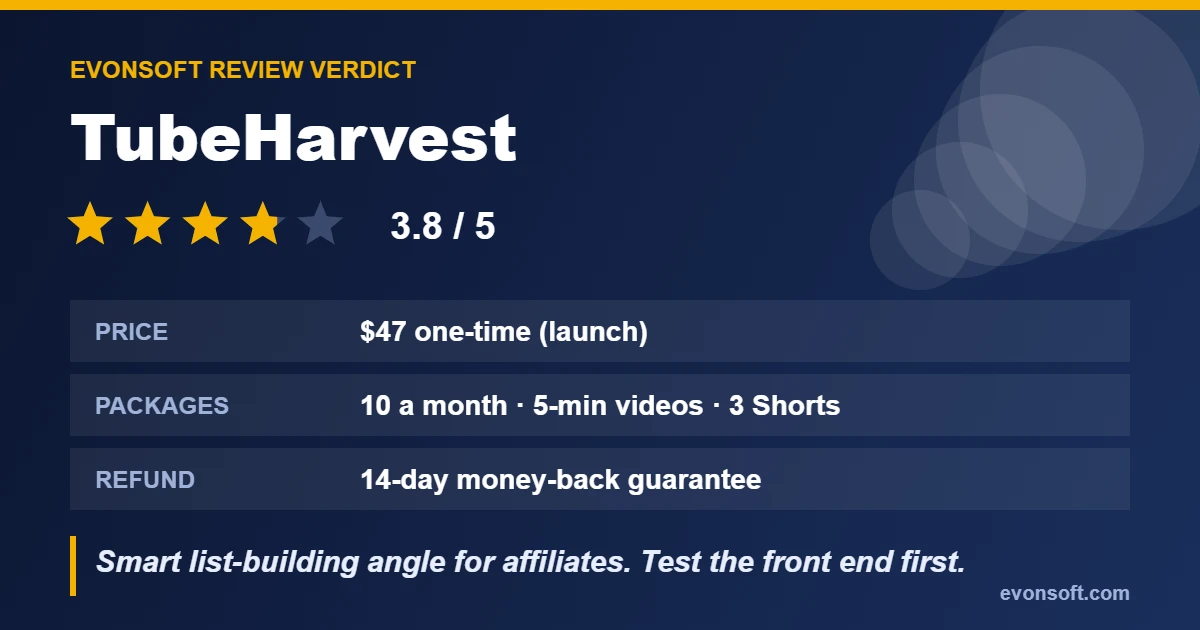
TubeHarvest gets one big thing right: views fade, but an email list lasts. For affiliate marketers who want to use faceless YouTube to build a list, $47 is a low-risk way to test that idea. Buy the front end after the cart opens on November 17, make a few packages in your niche, and use the 14-day guarantee if the videos aren’t good enough to post. If you know you want everything, take the bundle with Harvest50 instead of the Fastpass. Skip it if you expect a push-button income or plan to flood YouTube with unedited AI videos.
Rating: 3.8/5.
FAQ
What is TubeHarvest?
A cloud-based AI app that turns one topic into a faceless YouTube video, 3 Shorts, a thumbnail, SEO text, a matching opt-in page and a PDF lead magnet, so you can build an email list from your videos.
How much does TubeHarvest cost?
The front end is a one-time $47 during launch. Optional upgrades range from $9 to $297, Premiere is $47 a month, and the bundle is $297 ($247 with coupon Harvest50).
When does TubeHarvest launch?
The cart opens Tuesday, November 17, 2026 at 11 AM Eastern on JVZoo and the launch price ends Monday, November 23 at 11:59 PM Eastern.
Does TubeHarvest have a refund policy?
Yes. It has a 14-day money-back guarantee. Contact support within 14 days of purchase for a full refund.
Do I need API keys to use TubeHarvest?
Not on the front end, according to the sales page. The whitelabel upgrades require you to add your own API key.
Can TubeHarvest videos be monetized on YouTube?
They can be if your channel meets YouTube Partner Program rules, but mass-produced or repetitive AI content isn’t eligible. Edit the scripts, add your own value and avoid near-identical uploads.