 Skip to content
AI Software · Launch Review
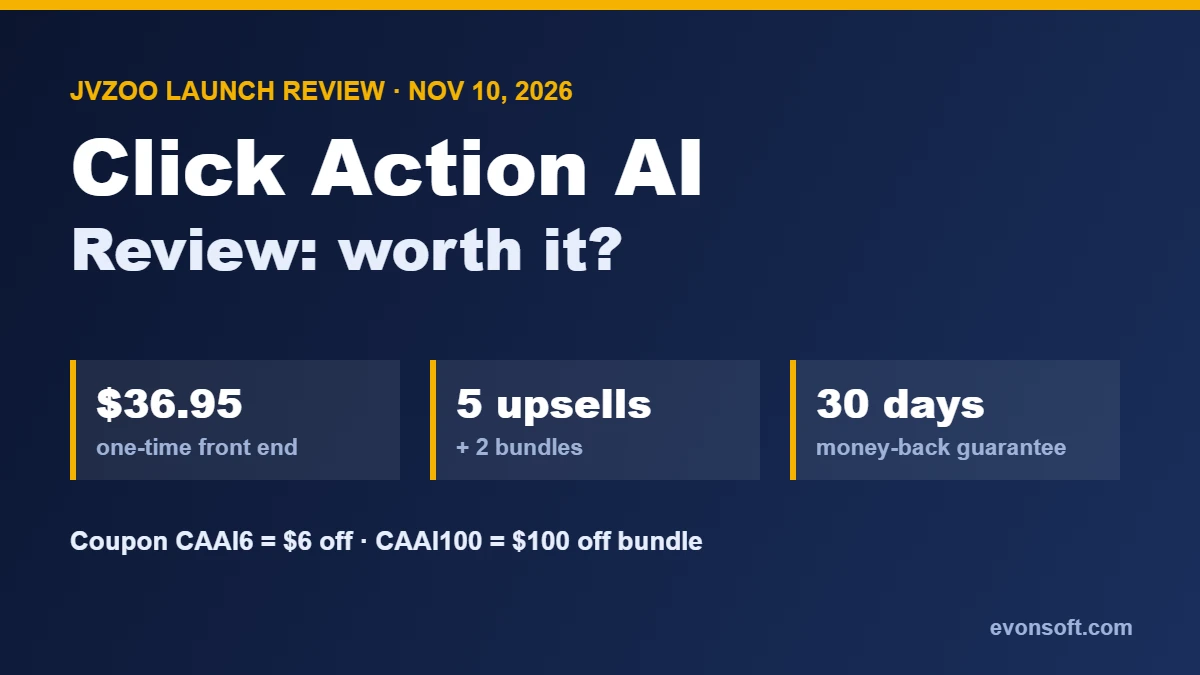
This Click Action AI review covers the new AI “web worker” from Yogesh Agarwal that launches on JVZoo on Tuesday, November 10, 2026 at 11 AM EST. Instead of answering questions like a chatbot, Click Action AI opens a live browser in the cloud and does web tasks itself: finding leads, researching competitors, collecting data, filling forms and posting to WordPress, while you watch.
Below: what it actually does, the full price including every upsell and bundle, the limits that matter, who it’s for, and the questions to ask before you buy. If you’re new to AI tools, our guide on how to use AI to make money explains where tools like this fit.
What’s in this review
Click Action AI review: what it is
Click Action AI is an AI agent that works in a web browser for you. You type a job in plain English, such as “find 50 dentists in Austin with their websites and phone numbers and put them in a sheet,” and it opens a cloud browser, plans the steps, then searches, clicks, types and moves between websites until the job is done. You see every move on a live screen.
That’s the key difference from ChatGPT-style tools: a chatbot tells you how to find leads; Click Action AI goes and finds them. AI browser agents are one of the fastest-growing AI categories, and this is one of the first sold as a cheap one-time JVZoo product.
How it works
- Type the job in one sentence, or pick one of the 50 ready-made gig missions.
- Watch it plan: a checklist of steps appears and ticks off as the agent works.
- It works in a live cloud browser, across several websites if needed, and adapts when a page looks different from expected.
- You stay in control: logins, CAPTCHAs and verification codes pause for you, and important actions wait for your approval.
- Export the results as a CSV, a Google Sheet or a branded PDF report.
Main features
- One-prompt missions with a live cloud browser that clicks, types and scrolls
- Live watch screen and a multi-step task planner
- Works across multiple websites in one mission
- Research first, then act on what it finds
- Pause and take over for logins, CAPTCHAs and approvals
- 50 ready-to-run gig missions with reference price tags
- Lead Finder mode: turn a niche and a city into a lead list
- Client-ready exports to CSV, Google Sheets or branded PDF
- Task history with one-click replay, and a mobile dashboard
- 100 browser missions a month on the front end
- Commercial license, training and support
Click Action AI pricing, upsells and bundles
All prices are one-time payments, from the vendor’s official launch documents:
| Option | Price | What it adds |
|---|---|---|
| Front end: Click Action AI | $36.95 ($30.95 with CAAI6) | The core app, 100 missions a month, 50 gig missions, commercial license |
| OTO 1: Pro | $67 (downsell $57) | Several agents at once, an AI Supervisor that splits big jobs, deeper planning and memory |
| OTO 2: Automation | $97 (downsell $87) | Scheduled missions, condition-based triggers and chained workflows |
| OTO 3: Agency | $147 (downsell $137) | Rights and systems to sell research and data services to clients |
| OTO 4: Cinematic Sites AI | $37 (downsell $27) | A separate app that builds 3D-style business websites from a prompt |
| OTO 5: Claw Agents AI | $37 (downsell $27) | A separate app with AI agents for content, marketing, SEO and support |
| Premium Bundle | $367 ($267 with CAAI100) | Front end plus Pro, Automation and Agency, two extra apps and bonuses |
| Ultimate Bundle | $467 ($367 with CAAI100) | Premium plus two more apps, 3x the missions (3,000 a month) and 2x the browsers (10 at once) |
The bundle funnel also offers a $167 done-for-you package and a $127 “Mega Bundle” as later steps. Cart closes Sunday, November 15 at 11:59 PM EST.
What it really costs
- Just the app: $30.95 with the CAAI6 coupon. Enough to test it for 30 days under the guarantee.
- Everything at full price: front end plus all five upsells is about $422.
- Best value for heavy users: the Premium Bundle at $267 with CAAI100 includes Pro, Automation and Agency, which would cost $311 bought separately, plus the extra apps.
Our advice: buy the front end only, run real jobs for a week, and upgrade only if you hit the 100-mission limit or need scheduling. Ignore the “price increases every 60 minutes” countdown; the 30-day guarantee gives you time.
Limits and risks to know
- It’s brand new. There’s no long-term track record yet. A one-time price for a cloud app that runs real browsers is generous; check that updates and support continue before relying on it for client work.
- 100 missions a month on the front end. That’s plenty for testing and light use, but agencies will need an upgrade.
- You still handle logins and CAPTCHAs. That’s good for security, but it means it isn’t fully hands-off.
- Website rules still apply. Many sites restrict automated scraping, posting or messaging in their terms. Use it for research and data entry, not for spamming platforms or collecting data you’re not allowed to use.
- AI agents make mistakes. Check exported data before sending it to a client.
Can you make money with Click Action AI?
Possibly, through services rather than the app itself. The commercial license lets you sell lead lists, competitor research, price tracking and data entry to small businesses, and the 50 gig missions come with reference prices to help you quote. That’s the same model as the AI-assisted services in our side hustle ideas guide and the work many virtual assistants already do. Income depends on finding clients; the software only speeds up the work.
Who’s behind it
Click Action AI comes from Yogesh Agarwal and his company Pro Web Ventures, a regular JVZoo vendor with several earlier AI software launches, including Smart Book AI. Support runs through Pro Web Ventures’ help desk.
Pros and cons
✓ Pros
- Does real browser work instead of just giving advice
- Live view and approval steps keep you in control
- One-time price with 100 missions a month and a commercial license
- 50 ready-made missions for beginners
- Exports to CSV, Google Sheets and PDF
- 30-day money-back guarantee
✗ Cons
- New product with no track record
- Five upsells; the full funnel costs about $420
- Logins and CAPTCHAs still need you
- Website terms limit some automated tasks
- Aggressive countdown pricing on the sales page
Verdict: is Click Action AI worth it?
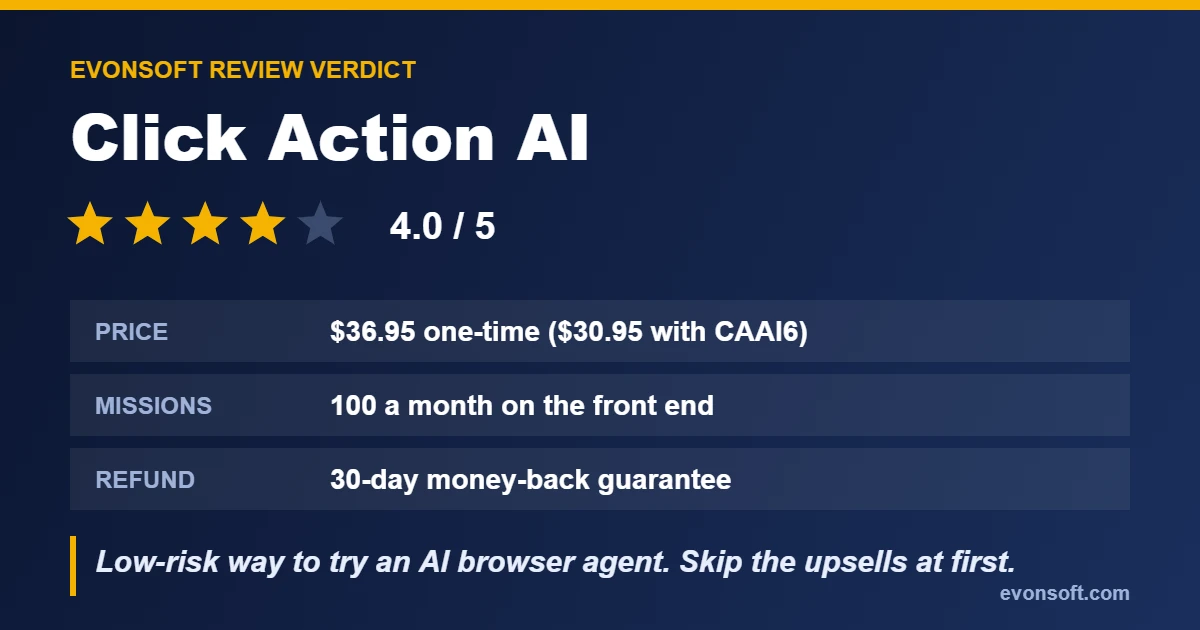
For around $31, Click Action AI is a low-risk way to try an AI browser agent, and the use case is real: research, lead lists and data entry eat hours every week. Buy the front end with coupon CAAI6, test it on your own jobs within the 30-day guarantee, and only add upgrades if you hit real limits. Skip it if you want a fully hands-off robot or plan to use it for spammy automation.
Rating: 4.0/5.
Want every upgrade in one purchase? Get the Click Action AI bundle and use code CAAI100 for $100 off.
FAQ
What is Click Action AI?
An AI web worker that opens a live cloud browser and completes web tasks from one plain-English command, such as finding leads, researching competitors, collecting data, filling forms and posting to WordPress.
How much does Click Action AI cost?
The front end is a one-time $36.95, or $30.95 with coupon CAAI6. There are five optional upsells from $37 to $147, and bundles at $367 and $467 ($100 off with CAAI100).
Is Click Action AI a one-time payment?
Yes. The launch offer is a one-time payment with no monthly fee, according to the sales page.
Does Click Action AI have a refund policy?
Yes. It comes with a 30-day money-back guarantee.
When does Click Action AI launch?
Cart opens Tuesday, November 10, 2026 at 11 AM EST on JVZoo and closes Sunday, November 15 at 11:59 PM EST.
How many missions do I get?
The front end includes 100 browser missions a month. The Ultimate Bundle raises this to 3,000 missions a month.